
TL;DR

Get business pricing on monitors, keyboards and dev gear
- Business-only prices and quantity discounts
- Tax-exempt purchasing
- Multiple users, one account, clear invoices
Microsoft has launched a new version of the OneDrive app in Windows 11, which reappears even after removal, causing frustration among IT administrators. The development raises concerns about user control and software bloat.
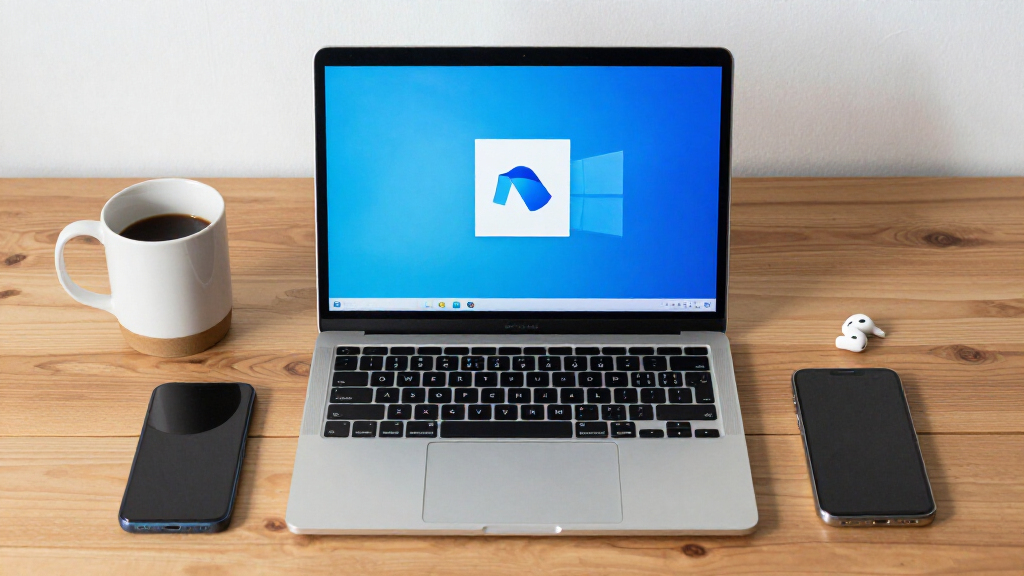
Microsoft has reintroduced a new version of the OneDrive app in Windows 11, which automatically reinstalls itself after users or IT admins attempt to remove it. This development has triggered widespread frustration among IT professionals who seek to control the software on enterprise devices. The issue underscores ongoing conflicts between Microsoft’s update practices and user control priorities.
According to reports from IT admins and technology observers, Microsoft deployed a new iteration of the OneDrive app within Windows 11 updates. Despite being uninstalled, the app reappears automatically during system restarts or updates, making it difficult for users and administrators to fully remove it. This behavior was first noted by Lemmy Hot on tech forums, where numerous admins expressed their frustration.
Microsoft has not officially commented on the specific behavior of this new app or whether it is part of a broader update strategy. However, the persistent reinstalls suggest that the app is either embedded deeply into the OS or managed via a policy that overrides user removal. IT professionals warn that this could lead to increased system bloat and hinder enterprise device management.
Impact of Persistent OneDrive App on Enterprise Management
This development matters because it highlights ongoing challenges in balancing Microsoft’s update policies with enterprise control and user preferences. The reinstallation of the OneDrive app against user intent can complicate IT management, increase system resource usage, and diminish user trust. For organizations relying on customized configurations, this could mean additional troubleshooting and potential disruptions.
As an affiliate, we earn on qualifying purchases.
Background of Microsoft’s Update Practices and User Control Issues
Microsoft has historically integrated OneDrive deeply into Windows, often preinstalling it and enabling automatic updates. While intended to enhance cloud storage integration, this approach has faced criticism from users and IT admins who prefer more control over preinstalled software. Previous updates have occasionally reintroduced or reset settings, but the recent behavior of the new OneDrive app represents a more aggressive reintegration.
In recent months, Microsoft has pushed updates aimed at improving OneDrive’s performance and integration, but some updates have inadvertently caused conflicts with enterprise management tools. The current situation with the new app’s persistent reinstalls is seen as part of a broader pattern of aggressive software management.
“No matter how many times we uninstall the app, it keeps coming back after updates. It’s like Microsoft doesn’t want us to control what’s on our machines.”
— IT Admin on Tech Forum
enterprise software management tools
As an affiliate, we earn on qualifying purchases.
As an affiliate, we earn on qualifying purchases.
Extent of Microsoft’s Intent and Future Behavior
It remains unclear whether this reinstallation behavior is intentional as part of a new update policy or an unintended bug. Microsoft has not provided detailed explanations, and the behavior may vary across different Windows 11 builds and configurations. The long-term approach of Microsoft regarding user control over preinstalled apps is also uncertain.
Windows 11 system cleanup utilities
As an affiliate, we earn on qualifying purchases.
As an affiliate, we earn on qualifying purchases.
Potential Responses from Microsoft and IT Community
IT admins and enterprise users are expected to continue voicing their concerns through forums and feedback channels. Microsoft may release patches or updates to address the issue, but it is not yet confirmed. Further updates from Microsoft are anticipated, possibly clarifying whether this is a temporary bug or a new policy implementation.
As an affiliate, we earn on qualifying purchases.
Key Questions
Why does the OneDrive app keep reinstalling itself?
It is not yet clear whether this behavior is intentional or a bug. Reports suggest that the app is embedded deeply into Windows 11 and may be managed via policies that override user removal.
Can I permanently remove the new OneDrive app?
Current reports indicate that standard uninstallation methods are ineffective, as the app reappears after updates. Advanced management tools or future patches may be required for complete removal.
Does this affect all Windows 11 devices?
It is not confirmed if all devices are affected. The behavior appears to be linked to specific updates or configurations, and Microsoft has not disclosed detailed scope information.
Will Microsoft change this behavior?
Microsoft has not announced plans to modify this behavior yet. IT professionals and users are encouraged to provide feedback through official channels.
What should organizations do if they are affected?
Organizations should monitor updates, consider advanced management policies, and provide feedback to Microsoft. Keeping systems updated and documenting issues will help in future troubleshooting.
Source: fediverse
Evergreen bestsellers Picks
bestsellers
As an affiliate, we earn on qualifying purchases.