TL;DR

Get business pricing on monitors, keyboards and dev gear
- Business-only prices and quantity discounts
- Tax-exempt purchasing
- Multiple users, one account, clear invoices
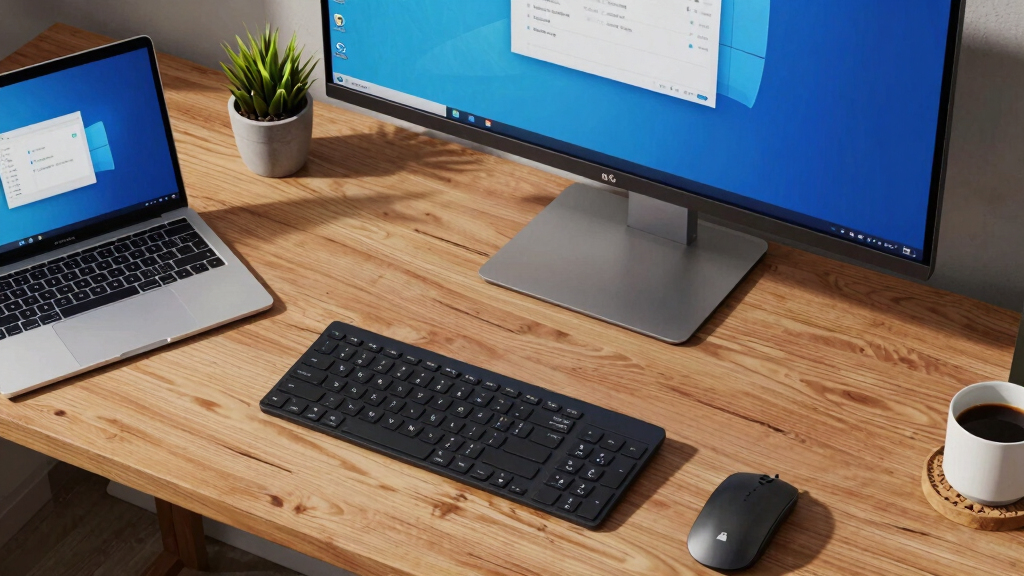
Multiple users have reported that LG monitors automatically install software updates through Windows Update without explicit user consent. This practice raises privacy and security questions, though LG has not officially confirmed the behavior. The development highlights potential risks of automatic hardware-software integration.
Several LG monitor users have reported that their devices automatically install software updates via Windows Update without explicit consent, raising privacy and security concerns. This unexpected behavior appears to occur without user notification or approval, prompting questions about the control users have over their hardware and software.
According to reports from multiple users on online forums and social media, LG monitors are installing proprietary software silently through the Windows Update process. LG has not officially acknowledged or commented on these reports, and it is unclear whether this is an intentional feature or an unintended side effect of firmware or driver updates.
Experts warn that such silent installations could potentially introduce security vulnerabilities or privacy risks, especially if users are unaware of what software is being installed or how it is being used. The practice appears to involve updates to firmware or related software components associated with LG monitors, delivered through the Windows Update mechanism.
Potential Privacy and Security Implications of Silent Installations
This development matters because it highlights the possibility of hardware manufacturers deploying software updates without user approval, which could undermine user control over devices. Silent installations could also pose security risks if updates are not properly vetted or if malicious actors exploit such mechanisms. For users, this raises concerns about transparency, privacy, and the security of their systems, especially given the increasing integration of hardware and software.
Popular right now

Dyson Airwrap i.d. Multi-Styler for Straight and Wavy Hair

Ninja Foodi 8-Quart DualZone 6-in-1 Air Fryer, Grey (DZ201)

De'Longhi Dinamica Plus Fully Automatic Espresso Machine
As an affiliate, we earn on qualifying purchases.
LG Monitor Firmware Updates and Windows Update Practices
LG has been a major player in the monitor market, with many models featuring integrated software for enhanced functionality. Historically, firmware updates for monitors have been delivered manually or through manufacturer-specific tools. The recent reports suggest that LG may be leveraging Windows Update to deliver firmware or software updates automatically, similar to how Windows handles driver updates for other hardware. This approach has not been officially confirmed by LG, and it is unclear whether it applies to all models or specific ones.
Previous incidents of hardware updates occurring without explicit user consent have raised concerns in the tech community, but this case is notable because it involves a widely used consumer hardware component being updated through a system-level service like Windows Update.
Extent and Intent of LG’s Silent Software Installations Unclear
It is not yet confirmed whether LG intentionally uses Windows Update to silently install software or firmware on monitors, or if this is an unintended consequence of their update process. Details about which models are affected and what specific software is installed remain unclear. LG has not provided official clarification, and the scope of this behavior is still being investigated.
Investigation and Clarification from LG Expected Soon
Regulators, security researchers, and affected users are likely to seek clarification from LG regarding this behavior. LG may issue a statement or update firmware to address concerns. Meanwhile, users are advised to review their device update settings and monitor activity for any unauthorized software installations.
Further investigations may reveal whether this practice is widespread across LG’s product line or limited to specific models, and whether it complies with privacy regulations and best practices for user consent.
Key Questions
Is LG intentionally installing software on monitors without user consent?
It is currently unclear whether LG intentionally deploys silent updates through Windows Update or if this is an unintended side effect. LG has not issued an official statement confirming the practice.
Could this practice pose security risks?
Yes, silent installations without user oversight could introduce security vulnerabilities or privacy issues if the updates are malicious or improperly vetted.
How can I check if my LG monitor is installing software without permission?
Users should review Windows Update history and monitor their device activity for unexpected installations. Disabling automatic updates or reviewing update settings may help control installations.
Will LG respond publicly to these reports?
It is not yet known if LG will make an official statement. Industry observers expect the company to clarify the situation soon.
What should affected users do now?
Users are advised to stay alert for unexpected updates, review their update settings, and consider contacting LG support for clarification or guidance.
Source: hn