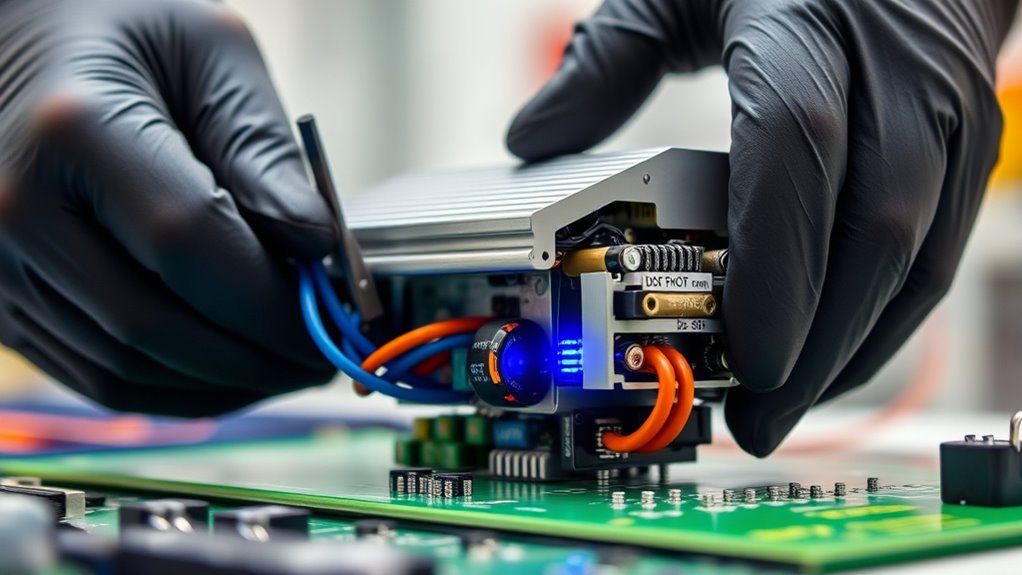

When your DC‑DC converters or inverters fail, replacing them quickly is key to maintaining your system’s performance and preventing damage. Regular checks help you spot issues early, while choosing compatible, high-quality replacements guarantees efficiency. Proper thermal management during and after installation prevents overheating, extending component life. System layout adjustments and ongoing maintenance keep everything running smoothly. Keep exploring further to uncover more tips on effective replacement, ensuring your system stays reliable and efficient.

Get business pricing on monitors, keyboards and dev gear
- Business-only prices and quantity discounts
- Tax-exempt purchasing
- Multiple users, one account, clear invoices
Key Takeaways
- Regularly monitor system performance to detect early signs of converter or inverter failure.
- Ensure proper thermal management during and after replacement to prevent overheating and extend component lifespan.
- Verify compatibility and electrical specifications before installing new converters or inverters.
- Optimize system layout and cooling solutions to improve efficiency and prevent future failures.
- Conduct routine maintenance, including cleaning and temperature checks, to maintain reliable operation of replacements.
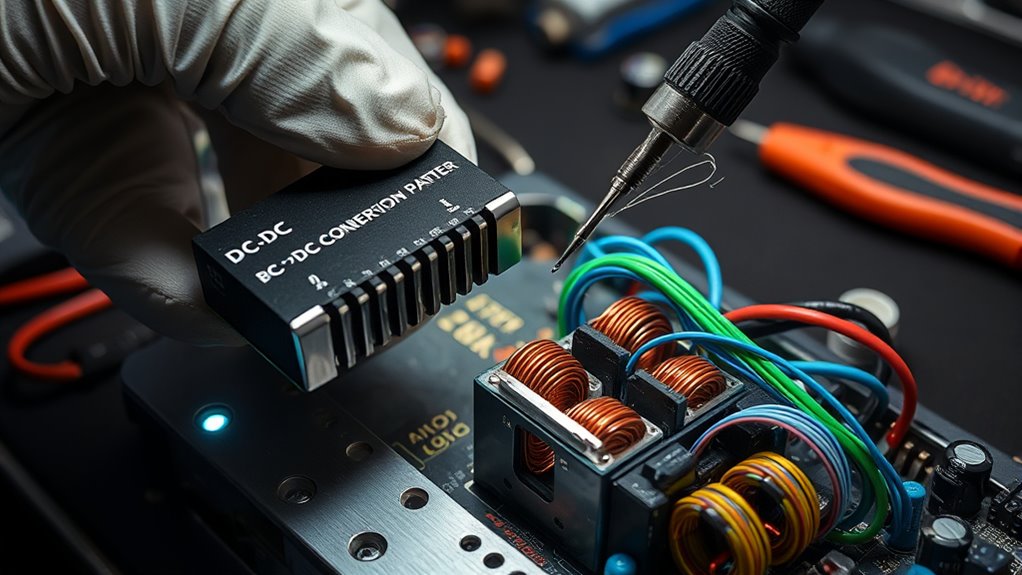
Replacing DC‑DC converters and inverters is a crucial step in maintaining the efficiency and reliability of your electrical system. When these components begin to fail, they can cause system instability, reduced performance, or even damage to other parts. Proper replacement ensures your system continues to operate smoothly, but it also presents an opportunity to enhance overall performance through effective thermal management and efficiency optimization.
Thermal management plays a fundamental role during and after replacement. As components age or malfunction, heat dissipation becomes less effective, leading to increased temperatures that can accelerate wear or cause failure. When installing new DC‑DC converters or inverters, you want to prioritize adequate cooling solutions—whether through improved heatsinks, better airflow, or advanced cooling technologies. Managing heat effectively not only prevents overheating but also prolongs the lifespan of the new components. It’s essential to assess your system’s thermal profile and make adjustments if necessary, ensuring the components operate within ideal temperature ranges. This focus on thermal management directly impacts efficiency, as excessive heat can lead to energy losses and reduced performance.
Efficiency maximization goes hand-in-hand with thermal management. Modern DC‑DC converters and inverters are designed with advanced circuitry that minimizes power losses, but their performance can be further enhanced by proper installation and system configuration. When replacing these components, consider upgrading to higher-efficiency models if your current units are outdated. Additionally, fine-tuning the system’s layout to reduce wiring lengths and improve component placement can greatly boost efficiency. Keep in mind that a well-cooled, properly configured setup not only conserves energy but also reduces operational costs and enhances overall system reliability.
Before replacing, you should carefully evaluate the specifications of the new components to match your system’s power and voltage requirements. This ensures compatibility and prevents unnecessary stress on the components. During installation, take steps to improve thermal paths—such as applying thermal interface materials or upgrading cooling fans—to enhance heat dissipation. Proper maintenance routines, like periodic cleaning of cooling elements and monitoring temperature levels, help sustain the efficiency gains achieved through replacement. Additionally, implementing space and organization strategies can help in managing components more effectively and maintaining optimal thermal conditions.
As an affiliate, we earn on qualifying purchases.
Frequently Asked Questions
How Can I Prevent Dc‑Dc Converter Failures?
To prevent DC‑DC converter failures, you should prioritize thermal management by ensuring proper cooling and ventilation, which keeps components within safe temperature ranges. Additionally, implement rigorous quality assurance measures during manufacturing to catch potential defects early. Regularly inspect and maintain your systems, and use high-quality components. This proactive approach reduces stress on the converter, extends its lifespan, and minimizes the risk of failure.
What Are the Signs of Inverter Malfunction?
You can identify inverter malfunction through inverter diagnostics that reveal failure indicators like unusual heat, strange noises, or erratic power output. Watch for voltage fluctuations, decreased efficiency, or frequent tripping of circuit breakers. Regularly checking these failure indicators helps you catch issues early. If you notice inconsistent operation or warning signals during diagnostics, it’s a sign to troubleshoot further or seek professional repair to prevent further damage.
Are There Environmental Factors That Accelerate Component Failure?
Yes, environmental factors can accelerate component failure. Corrosion effects from moisture and salt can weaken connections and damage internal parts, while thermal stress from extreme temperatures causes expansion and contraction that can crack or degrade components over time. You should regularly inspect for signs of corrosion and guarantee proper cooling to minimize these risks, extending the lifespan of your DC-DC converters and inverters.
How Long Do Dc‑Dc Converters Typically Last?
DC‑DC converters typically last between 5 to 15 years, depending on usage and environmental factors. Your lifetime estimation hinges on consistent failure analysis, which identifies wear and tear over time. Factors like heat, humidity, and electrical stress can shorten their lifespan. Regular maintenance and monitoring can help extend their longevity, ensuring reliable power conversion and preventing unexpected failures.
Can I Upgrade to Higher-Rated Components Easily?
Yes, you can upgrade to higher-rated components, but you need to carefully consider component compatibility and upgrade challenges. Verify the new parts match your system’s voltage, current, and size specifications. You might face issues with heat dissipation or wiring adjustments. Always double-check manufacturer guidelines and consult a professional if you’re unsure. This way, you minimize risks and ensure your upgraded components work reliably without damaging your system.
high efficiency inverter for solar system
As an affiliate, we earn on qualifying purchases.
As an affiliate, we earn on qualifying purchases.
Conclusion
When a DC‑DC converter or inverter fails, think of it as a broken link in your power chain—every part relies on the other. By replacing faulty components promptly, you’re not just fixing a device; you’re restoring a crucial heartbeat in your system. Remember, prevention is key, but when failure strikes, swift action keeps your project alive and thriving. Don’t let a single malfunction turn your success into silence—act quickly, and keep the power flowing.
thermal management heatsinks for inverters
As an affiliate, we earn on qualifying purchases.
As an affiliate, we earn on qualifying purchases.
cooling fan for DC-DC converters
As an affiliate, we earn on qualifying purchases.
As an affiliate, we earn on qualifying purchases.
Evergreen bestsellers Picks
bestsellers
As an affiliate, we earn on qualifying purchases.