Parking mode on your dash cam can quickly drain your vehicle’s battery if you don’t set it up correctly. It continuously uses power to monitor for motion or impacts, which can lead to dead batteries over time. To avoid this, use low-power settings, install a hardwire kit properly, or consider external power solutions. Keep an eye on your battery health, and you’ll prevent surprises. More tips to protect your battery are just ahead.

Get business pricing on monitors, keyboards and dev gear
- Business-only prices and quantity discounts
- Tax-exempt purchasing
- Multiple users, one account, clear invoices
Key Takeaways
- Parking mode continuously draws power, risking vehicle battery drain if not managed properly.
- Using motion detection or smart parking modes significantly reduces unnecessary power consumption.
- Installing a battery protector or external power source can prevent deep discharge during extended parking.
- Proper wiring, firmware updates, and setting adjustments help optimize parking mode efficiency and battery health.
- Regular battery monitoring and troubleshooting wiring issues are essential to avoid the battery drain trap.
As an affiliate, we earn on qualifying purchases.
Why Does Parking Mode Drain Your Dash Cam Battery?
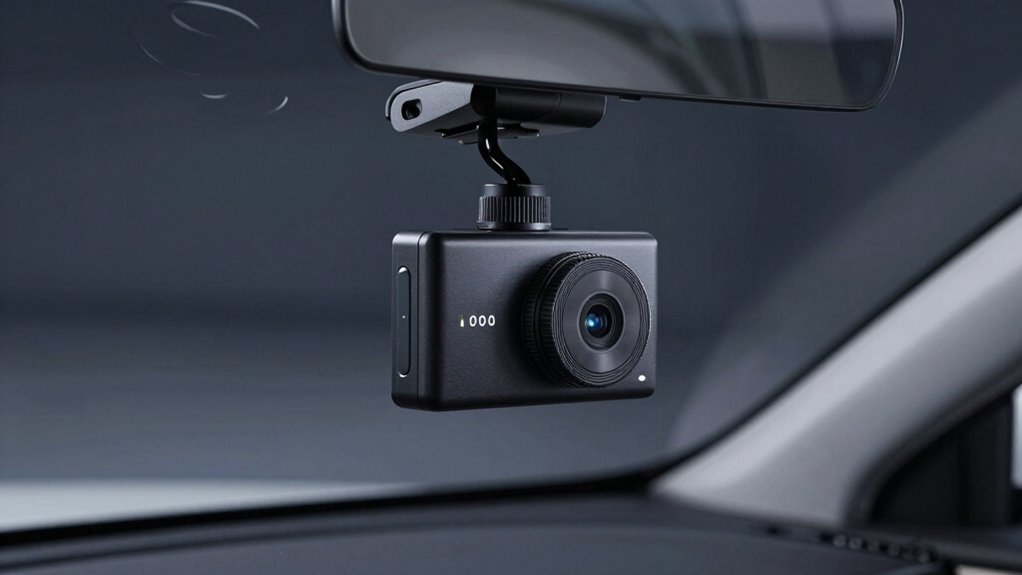
Parking mode keeps your dash cam active even when your vehicle is turned off, which is why it can drain the battery. The main reason for this drain is the dash cam’s power consumption. Dash cams are designed to stay alert, monitoring for motion or impacts, which requires continuous energy. If your vehicle’s battery capacity is limited, this constant power draw can quickly deplete it. The longer the parking mode runs, the more power your dash cam uses, especially if it’s set to record high-resolution footage or has features like GPS tracking. Over time, this sustained power consumption can considerably reduce your battery’s life, making it harder to start your car or maintain enough charge for other electrical needs. Additionally, power management settings or external factors like cold weather can further accelerate battery drain during parking mode. Properly configuring parking mode settings and periodically checking your battery health can help mitigate this issue and extend your vehicle’s electrical system lifespan. Being aware of battery capacity and managing the dash cam’s settings accordingly can prevent unexpected battery failures. Regularly inspecting your electrical system, including alternator performance, and considering a battery protector can also be effective in safeguarding your vehicle’s charge during extended parking periods.
dash cam parking mode power protector
As an affiliate, we earn on qualifying purchases.
As an affiliate, we earn on qualifying purchases.
How Does Parking Mode Use Power in Your Dash Cam?
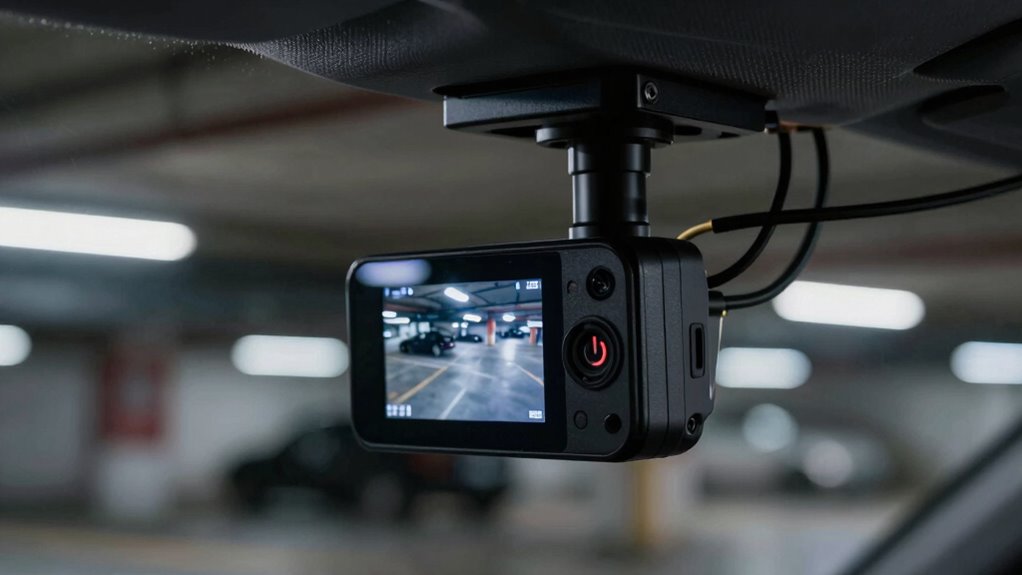
When your dash cam enters parking mode, it starts drawing power from your vehicle’s battery to stay alert for motion, impacts, or other triggers. This power consumption enables the camera to monitor its surroundings even when the engine is off. To maximize energy efficiency, many dash cams use low-power standby modes or integrate low-voltage cutoff features to prevent draining your battery. Some models employ motion detection to activate recording only when movement is detected, reducing unnecessary power use. Others rely on parking mode timers or external power sources to limit continuous energy drain. Understanding how parking mode uses power helps you manage your dash cam’s energy efficiency, ensuring it stays functional without compromising your vehicle’s battery life. Additionally, Indonesian decor masks can add artistic flair to your vehicle’s interior, creating a unique aesthetic while showcasing cultural artistry. Being aware of power consumption in parking mode allows you to select the most suitable settings and accessories to protect your vehicle’s battery health, especially considering battery drain can occur if settings are not optimized.
external power source for dash cam
As an affiliate, we earn on qualifying purchases.
As an affiliate, we earn on qualifying purchases.
How Can You Tell If Your Dash Cam Is Draining Your Battery?
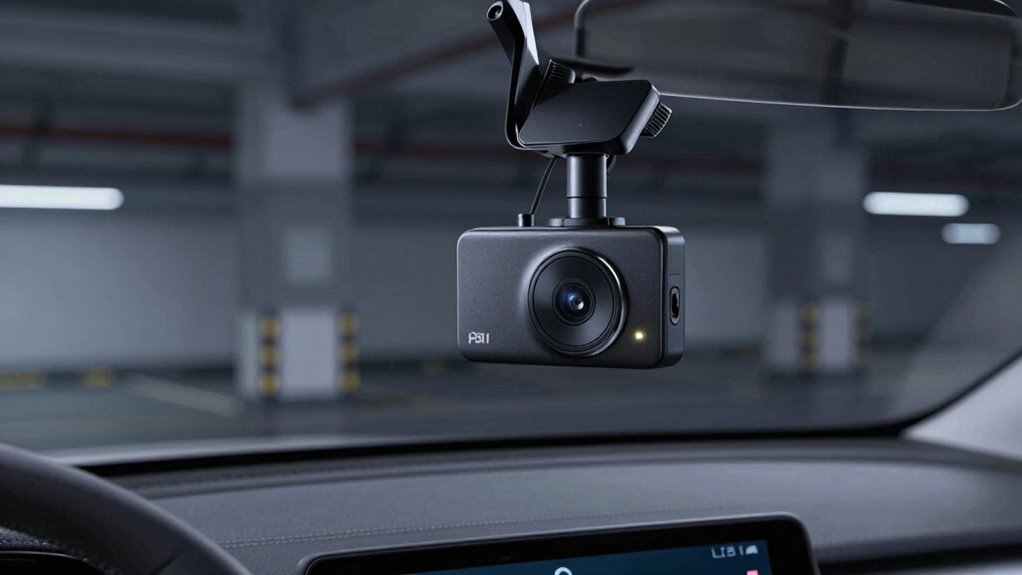
If your dash cam is draining your vehicle’s battery, you’ll likely notice signs like difficulty starting your engine or a dead battery after parked for a while. To tell if your dash cam is the culprit, check the dash cam indicators for any signs of ongoing power use. You can also monitor your battery health by using a multimeter or a vehicle diagnostic tool to measure voltage levels. Look out for these indicators:
If your car struggles to start, your dash cam may be draining your battery.
- Rapidly decreasing battery voltage
- Unusual dashboard warnings
- Persistent dash cam activity when parked
- Difficulty maintaining charge over time
Additionally, understanding how standby generator ratings function can help you identify if your dash cam’s power consumption is abnormal compared to typical devices. If you observe these signs, it’s a clear signal that your dash cam may be draining your battery more than it should, especially when parking mode is active. Regularly reviewing power management settings on your dash cam can also help mitigate unnecessary battery drain. Properly configuring parking mode features can significantly reduce power consumption and prevent battery drain issues. Being aware of power consumption levels in electronic devices can further aid in managing overall vehicle battery health.
As an affiliate, we earn on qualifying purchases.
Easy Ways to Prevent Battery Drain When Using Parking Mode
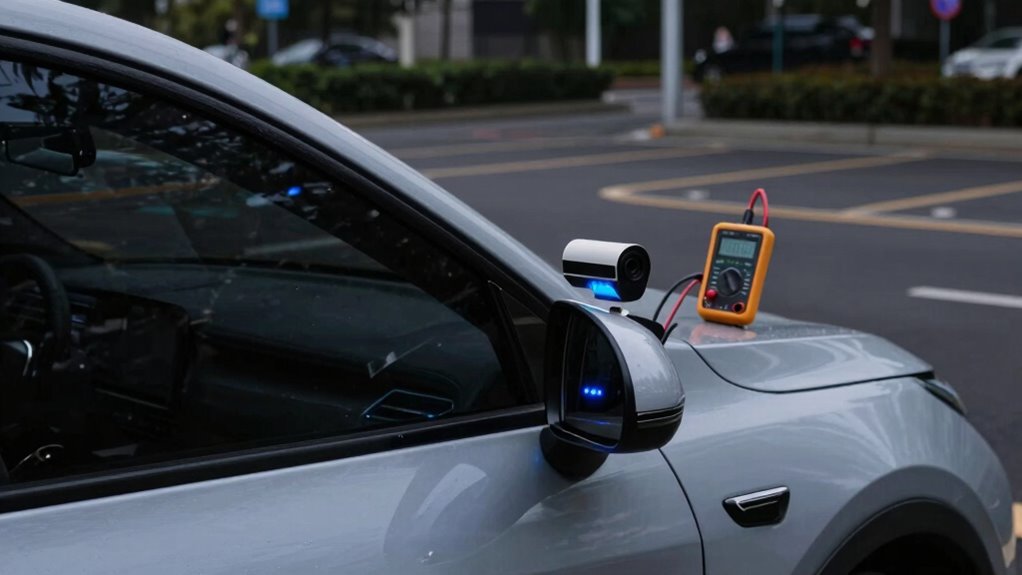
To prevent your dash cam from draining your battery during parking mode, consider using Smart Parking Mode, which activates only when movement is detected. Installing a battery guard can also protect your car’s power source by cutting off power when needed. These simple steps help keep your battery healthy while still recording footage when it matters. Additionally, understanding home theatre projectors can help you choose the right setup for your entertainment space. Being aware of urban traffic confidence techniques can also assist you in safely navigating busy parking areas and avoiding unnecessary power drain. Recognizing latest market trends in automotive accessories can further help you select energy-efficient solutions for your vehicle. Incorporating knowledge about battery management systems can optimize your dash cam’s performance and longevity, much like the vibrant urban pursuits seen in Harrisburg’s cityscape.
Use Smart Parking Mode
Utilizing Smart Parking Mode is an effective way to prevent your dash cam’s battery from draining quickly during extended parking periods. This feature intelligently detects when your vehicle is parked and adjusts recording settings accordingly. To optimize performance, regularly check your dash cam’s sensor calibration to ensure accurate motion detection. Keep firmware updates current, as they often improve parking mode efficiency and fix bugs that may cause unnecessary power drain. Additionally, consider configuring the smart mode settings to activate only under specific conditions, such as low light or motion detection. This reduces unnecessary recording and conserves battery life. Proper system calibration is essential to maintain accuracy in motion detection and avoid false triggers. By fine-tuning these options, you minimize drain and extend your dash cam’s parking mode usability without risking power loss.
Install a Battery Guard
Installing a battery guard is one of the simplest and most effective ways to prevent your dash cam’s battery from draining during extended parking sessions. A battery guard helps manage power flow, ensuring your vehicle’s main battery isn’t overtaxed while the dash cam operates in parking mode. By implementing a battery guard, you improve your power management, reducing the risk of battery failure. Consider the following options:
| Battery Guard Type | Compatibility | Benefits |
|---|---|---|
| Hardwired | Most dash cams | Seamless integration, automatic cutoff |
| Fuse Tap | Easy DIY installation | Protects main battery from drain |
| Smart Power Module | Advanced control | Precise power management, alerts |
Choose the right guard to maintain your vehicle’s power stability efficiently.
How to Choose a Low-Power Dash Cam for Parking Mode
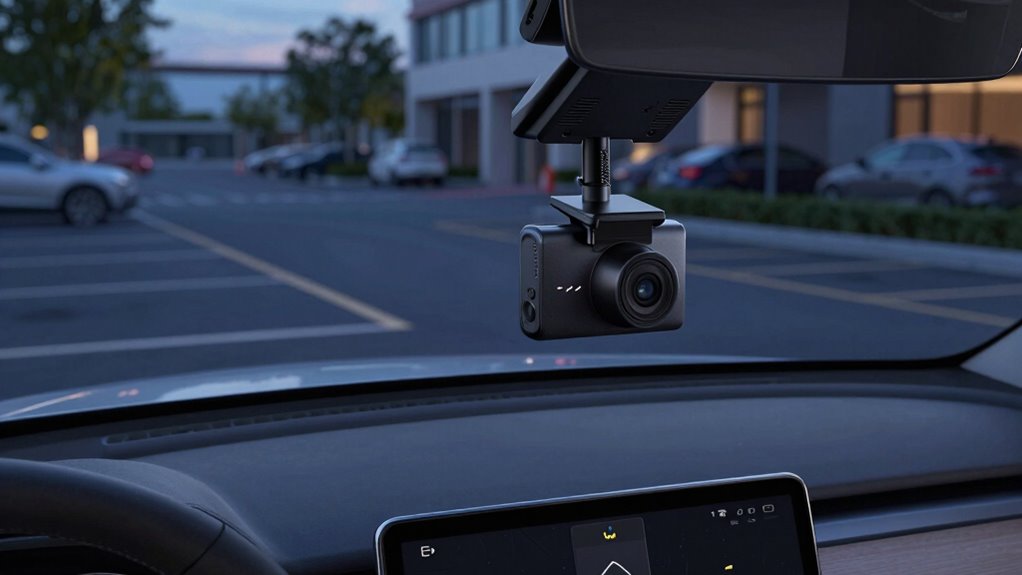
Choosing a low-power dash cam for parking mode requires careful consideration of how it conserves energy while still capturing essential footage. Look for models that feature motion detection, which activates recording only when movement is detected, saving power during inactivity. motion detection can significantly reduce battery drain by preventing unnecessary recording when the vehicle is stationary. GPS tracking can also help by timestamping footage and providing location data without draining the battery excessively. To ensure energy efficiency, consider these features:
Opt for dash cams with motion detection, GPS, and low power design to monitor your vehicle efficiently during parking.
- Low power consumption design
- Motion detection capabilities
- GPS tracking integration
- Parking mode with automatic shutoff
- Incorporating microplastics in dust awareness can help inform your choice of dash cam filters and maintenance routines. Additionally, selecting a model with energy-efficient components can further reduce power draw during extended parking periods.
These features help balance power use and functionality, letting you monitor your vehicle without risking battery drain. Select a dash cam that prioritizes energy preservation while providing reliable footage during parking mode.
Step-by-Step Guide to Installing a Hardwire Kit Safely
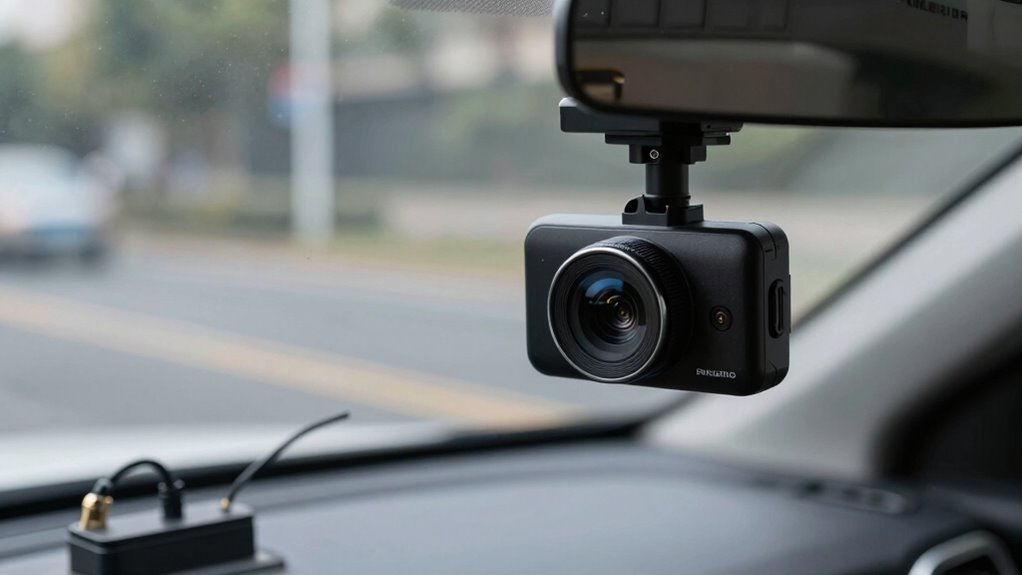
Before starting your hardwire kit installation, make certain your vehicle is turned off and the parking brake is engaged to prevent any electrical mishaps. This is essential for safe hardwire installation. Begin by locating a suitable power source, such as the fuse box or a constant power supply wire. Carefully disconnect the vehicle’s battery negative terminal to avoid shorts. Follow the manufacturer’s instructions for connecting the wiring, ensuring all connections are secure and insulated. During the process, adhere to safety precautions like wearing gloves and using insulated tools. Double-check your work before reconnecting the battery. Properly grounding the kit is indispensable to prevent electrical issues. Additionally, verifying that your installation complies with solar/power safety guidelines helps prevent potential hazards. Taking these safety precautions ensures a safe, reliable hardwire installation that protects your dash cam and vehicle’s electrical system. Always consult your vehicle’s electrical system specifications to ensure proper integration and avoid damage. Using proper grounding techniques can further enhance the safety and reliability of your setup.
Alternative Power Solutions to Protect Your Car Battery
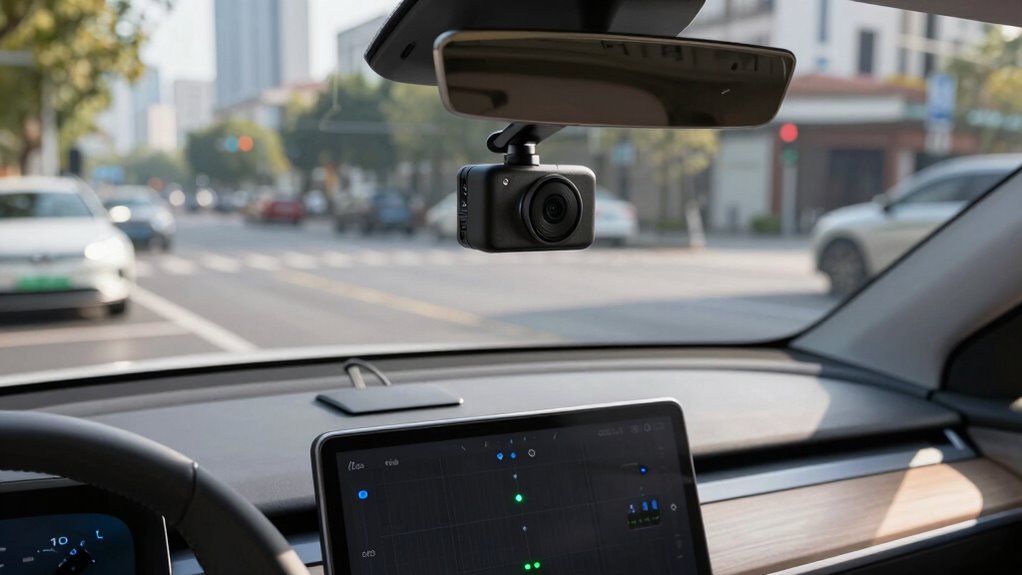
To prevent your dash cam from draining your car battery, consider using alternative power solutions that minimize the load on your vehicle’s electrical system. Solar panels are a great option; they harness sunlight to power your dash cam and recharge portable chargers. Portable chargers offer flexibility, allowing you to keep your dash cam running without taxing your car’s battery directly. Here are some effective options:
Using solar panels and portable chargers helps keep your dash cam powered without draining your car battery.
- Solar panel systems installed on your vehicle or nearby
- High-capacity portable chargers for on-the-go power
- Power banks designed for automotive use
- External battery packs with dedicated outlets
Using these solutions reduces the risk of battery drain and ensures your dash cam stays operational during long parking periods without compromising your vehicle’s starting power.
Troubleshooting Common Battery Drain Problems in Parking Mode
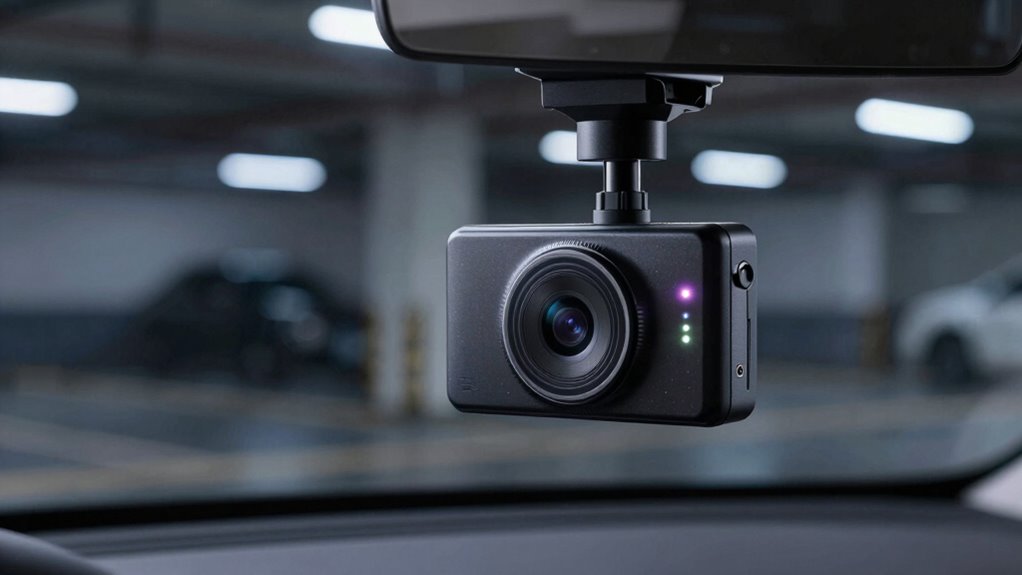
Even with alternative power solutions in place, battery drain issues can still occur during parking mode. High power consumption from your dash cam can accelerate battery depletion, reducing its longevity over time. Common problems include setting the camera to record continuously or leaving unnecessary features active, which drain power faster. Faulty wiring or poor connections can also cause unintentional power draw, leading to quicker battery drain. To troubleshoot, start by reviewing your dash cam’s settings and disabling non-essential functions. Check your wiring for corrosion or loose connections. Using a multimeter can help identify unexpected current draw. Ensuring proper installation and adjusting recording settings will help minimize power consumption, ultimately extending your battery’s lifespan and keeping your dash cam functioning reliably during parking mode.
Tips to Keep Your Dash Cam Running Without Damaging Your Battery
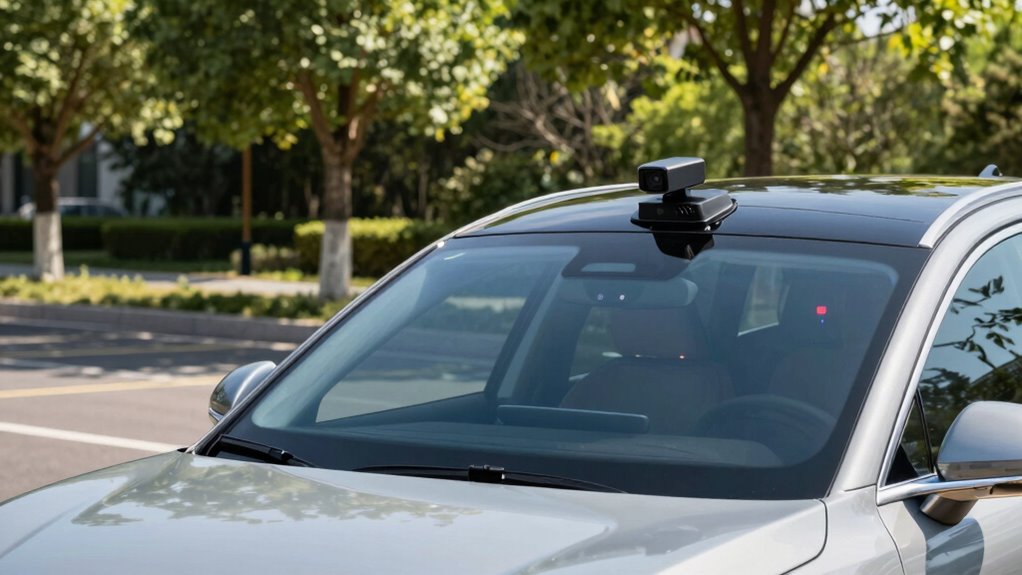
To keep your dash cam running without harming your battery, use Parking Mode wisely and avoid extended recording times. Choose low power settings to minimize drain and make certain your battery stays healthy. Regular battery maintenance also helps prevent unexpected issues and keeps your dash cam ready when you need it.
Use Parking Mode Wisely
While parking mode allows your dash cam to monitor your vehicle when parked, it can drain your battery quickly if not managed carefully. Don’t fall for parking mode myths that suggest it’s completely harmless; proper battery monitoring is essential. To use parking mode wisely:
- Limit recording to essential events only
- Use motion detection to activate recording
- Turn off parking mode when not needed
- Regularly check your battery’s health
These tips help prevent unnecessary drain and extend your battery’s life. Remember, monitoring your battery’s condition is key to avoiding surprises. By understanding how parking mode works and managing it correctly, you ensure your dash cam stays functional without risking your vehicle’s power. Stay informed, stay cautious, and enjoy reliable surveillance without compromising your battery.
Opt for Low Power Settings
Adjusting your dash cam to low power settings is one of the best ways to keep it running smoothly without overtaxing your vehicle’s battery. By enabling these settings, you improve battery optimization and ensure your camera only uses minimal power when parked. Focus on reducing the recording resolution, limiting the length of recordings, or turning off features like GPS and Wi-Fi when not needed. These adjustments enhance power management, preventing unnecessary drain during parking mode. Some dash cams have dedicated low power modes designed specifically for parking, so take advantage of those. Remember, efficient power management helps your vehicle’s battery last longer, avoiding premature drainage while keeping your dash cam ready to record whenever needed.
Regular Battery Maintenance
Regularly inspecting and maintaining your vehicle’s battery guarantees your dash cam stays powered without causing damage. Conduct routine battery checks to identify signs of wear or corrosion early. Use voltage monitoring tools to ensure your battery maintains proper voltage levels, especially if parking mode is frequently active. To keep your battery healthy, consider these tips:
- Regularly test your battery’s voltage.
- Keep terminals clean and corrosion-free.
- Avoid deep discharges by disconnecting your dash cam if not in use for long periods.
- Charge your battery properly if voltage drops below recommended levels.
Frequently Asked Questions
Can I Disable Parking Mode to Conserve My Dash Cam’s Battery?
Yes, you can disable parking mode to conserve your dash cam’s battery. Most dash cams offer parking mode customization options, allowing you to turn it off when not needed. If you want to keep parking mode but prevent battery drain, consider alternative power solutions like hardwiring kits or external batteries. This way, you maintain security without risking excessive power drain, giving you control over your dash cam’s power management.
What Signs Indicate My Dash Cam’s Parking Mode Is Draining the Battery Excessively?
Your dash cam’s parking mode might be draining your battery faster than a speeding train if you notice frequent motion alerts and unexpected shutdowns. These signs show that the camera is drawing power, even when you’re not around. Keep an eye on your battery’s health and consider disabling parking mode if you see these issues. Staying vigilant helps prevent your dash cam from becoming a hidden battery thief.
Does All Parking Mode Consume the Same Amount of Power?
Not all parking modes consume the same power. Your dash cam’s battery management impacts how much power it uses in parking mode, which varies based on settings like motion detection or continuous recording. To minimize drain, you should adjust these settings and use a low-power parking mode. Keep in mind that higher resolution or extended recording times increase power consumption, so choose configurations that balance security with battery preservation.
How Long Can My Dash Cam Operate in Parking Mode Without Draining the Battery?
You can typically run your dash cam in parking mode for a few days to a week without substantially affecting your battery lifespan, especially if it has smart power management features. To maximize runtime, make sure your device uses low-power settings and consider connecting it to a constant power source or hardwiring kit. Proper power management helps prevent unnecessary battery drain, keeping your dash cam operational while preserving your vehicle’s battery health.
Are There Specific Dash Cam Models Known for Minimal Battery Drain in Parking Mode?
Think of choosing a dash cam like picking a quiet runner for a marathon—you want efficiency. Some battery efficient models and low power dash cams are designed for minimal drain, perfect for parking mode. Brands like BlackVue and Thinkware offer models with smart energy management, ensuring your battery stays healthy. These reliable options let you monitor your car without worrying about draining your battery, even during extended parking periods.
Conclusion
So, now you know the sneaky ways parking mode loves to drain your battery—like that clingy ex who won’t let go. But with a little planning, smart choices, and maybe a hardwire kit, you can keep your dash cam running without turning your car into a paperweight. Just remember, a little vigilance beats a dead battery every time. After all, who wants to be the person pushing their car out of the driveway every morning?
Fall Picks
fall essentials
As an affiliate, we earn on qualifying purchases.