
TL;DR

Get business pricing on monitors, keyboards and dev gear
- Business-only prices and quantity discounts
- Tax-exempt purchasing
- Multiple users, one account, clear invoices
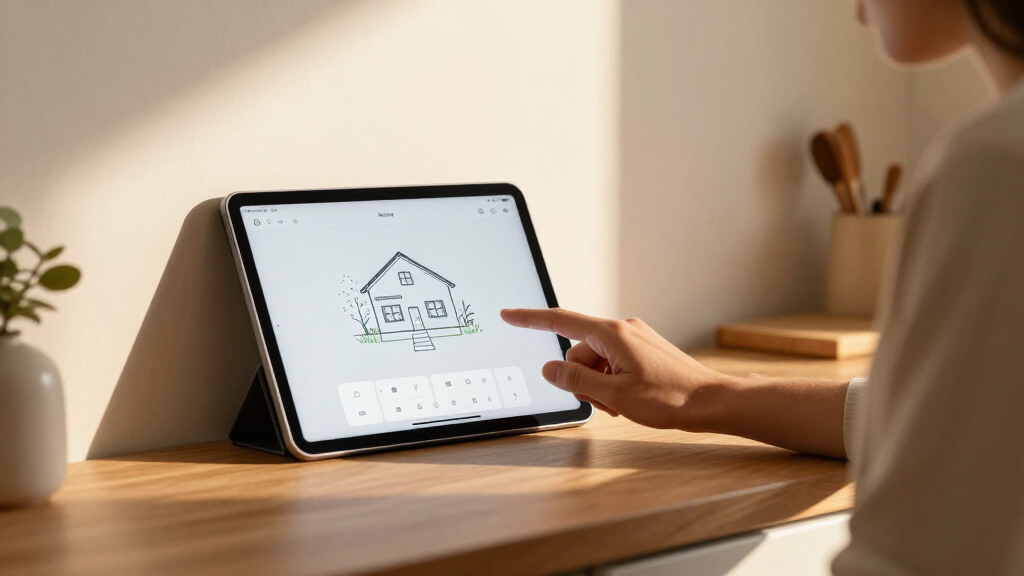
Anton Frolov commissioned an illustrator to draw his home and turned the artwork into an interactive Home Assistant dashboard. The project uses a floor-plan illustration as a background, with device images, animations and status labels layered over it; Frolov says the design was easier for his family to use than his previous dashboard.
Home Assistant user Anton Frolov commissioned an illustrator to draw his house and used the artwork as the basis for an interactive smart-home dashboard. The setup layers device states and controls over the illustrated rooms, offering a more visual way for household members to check and operate devices than Frolov’s previous dashboard.
Frolov said he had spent about a year automating his home with Home Assistant, an open-source smart-home platform. Many tasks ran automatically, including switching off air conditioners when everyone left and adjusting sprinkler run time according to weather. Some actions still required a person to use an app, however, and Frolov said other members of his household did not want to use his existing dashboard.
He chose an illustrated floor plan after finding that the 3D dashboards he reviewed often used a static model with interactive icons layered over it. To brief the artist, Frolov gathered an architectural plan, room photographs, visual references, examples of dashboards and a technical specification. The requested files included transparent images, day and night versions, and separate device artwork for off and on states.
The dashboard itself uses Home Assistant’s picture-elements card, according to Frolov. The house illustration serves as the background, while images, icons and status labels sit at specified positions on top. Conditional elements can appear or disappear depending on a device’s state. Frolov said the artwork and preparation made up most of the work; the remaining dashboard build required comparatively little design or coding.
A Dashboard Built Around the Home
The project addresses a practical usability problem in shared smart homes: a system can automate many routines and still leave residents needing an app for exceptions or manual control. Frolov’s account suggests that representing controls in the rooms where devices are located may make those tasks easier to understand for people who do not want to navigate a conventional dashboard.
It also shows a different trade-off for Home Assistant users. Rather than relying on a standard panel of buttons and cards, Frolov invested time in custom illustration and asset preparation. The result depends on artwork tailored to a specific house and on correctly aligning each device image with its position in the scene. The approach may be appealing to users who value a visual interface, but the report does not establish that it will be simpler or more accessible for every household.
Popular right now

Samsung 48-Inch S90H OLED 4K Smart TV (2026)

KitchenAid Artisan 5-Quart Tilt-Head Stand Mixer, Almond Cream

Vitamix 5200 Professional-Grade Blender, 64 oz. Container, Black
As an affiliate, we earn on qualifying purchases.
From Automation to Manual Controls
Frolov described several automations that reduced the need for daily input, but garden lights remained an example of a task requiring app control. A Home Assistant timer switched them off after a period, and the lights blinked as the timer approached its end to prompt someone to extend it. According to Frolov, the household’s reluctance to use the existing dashboard made this less convenient.
He considered physical switches, but said they would not address every task. He also cited starting a sprinkler at the unit itself as an awkward option when someone would need to leave the garden quickly to avoid getting wet. His report presents the illustrated floor plan as a response to those specific control needs, not as a replacement for the automations already running.
“For the first time, it’s one the whole family actually enjoys using.”
— Anton Frolov, in his report
Costs and Household Results
Frolov’s report does not provide the commission’s cost, the artist’s identity, or a full account of the time required. It also does not quantify how often family members use the new dashboard or compare its usability with the previous version through testing. The claim that the family enjoys using it is Frolov’s own description.
The source material ends while describing how device images change according to their states. It does not include the remainder of the implementation details, a full list of supported devices or a complete account of any technical limitations. It is also unclear whether the artwork or configuration has been published for other Home Assistant users to reuse.
Further Build Details Unreported
The source provides no announced follow-up, release date or planned public package for the dashboard. Frolov’s report does offer practical guidance for anyone considering a similar build: settle the image formats and layers with the artist in advance, and keep assets aligned on a shared canvas. Whether he will publish additional implementation notes or reusable files is not stated.
Key Questions
What is the illustrated Home Assistant dashboard?
It is a dashboard built around custom artwork of Frolov’s house. Device images, icons and status labels are positioned over the illustration to show and control parts of the smart home.
How did Frolov build it in Home Assistant?
Frolov said he used Home Assistant’s picture-elements card. The illustration is the background, and elements placed over it can change or appear based on device states.
Why did he commission an illustrator?
His household still needed to use an app for some manual controls, but, according to Frolov, other family members did not want to use the previous dashboard. He wanted a more visual interface tied to the layout of the home.
What artwork files did the project require?
Frolov requested transparent images, day and night versions, and separate artwork for devices in off and on states. He said keeping elements on one shared canvas size helped avoid later alignment work.
Is the dashboard or artwork available for others to download?
The provided report does not say whether Frolov published the artwork or a reusable dashboard configuration. Availability is unconfirmed in the source material.
Source: hn